DREFLYBlog
Notes from the team

Updates, guides
and the odd rant.

Behind the scenes notes, product comparisons, and the occasional rant about signup walls.

  • No newsletter wall
  • No sponsored posts
  • Written by the people building it
Latest post

Fresh off
the keyboard.

Product update

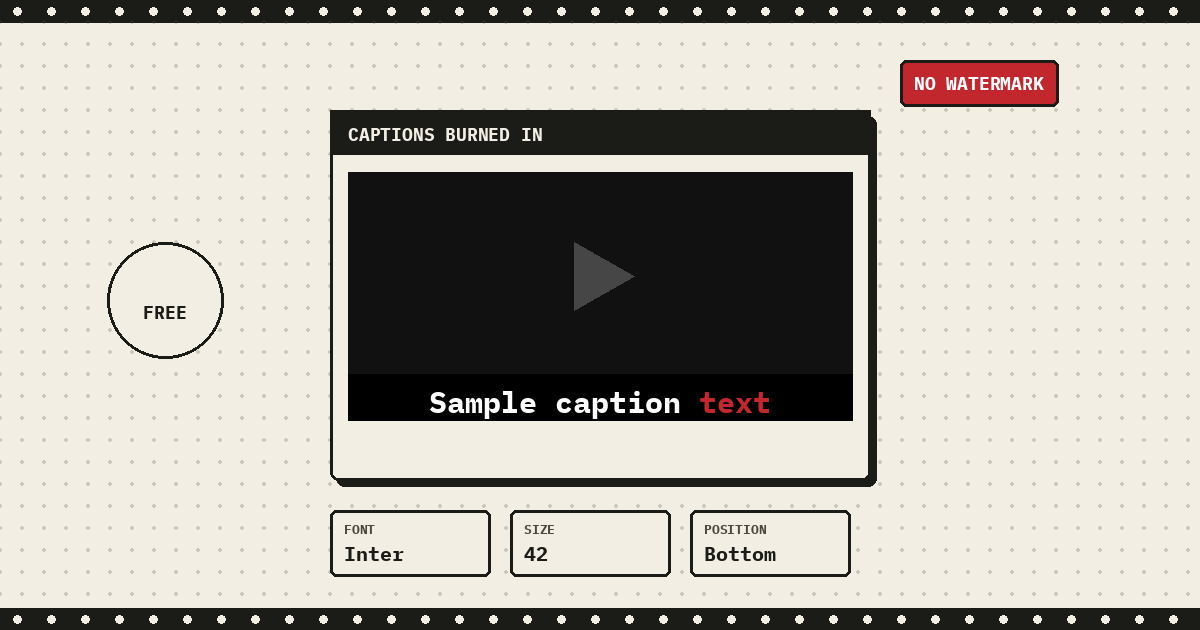
Burn Captions Into Your Recordings Before You Share or Download

Render captions right into the video from the Share and Download modals: pick a language and a style, font, size, weight, color, highlight, and position, and it renders in your browser. Free, no watermark, no upload.

A video frame with the caption sample caption text burned in, the last word highlighted in red, next to font, size, and position style pills
Everything else

More from
the archive.

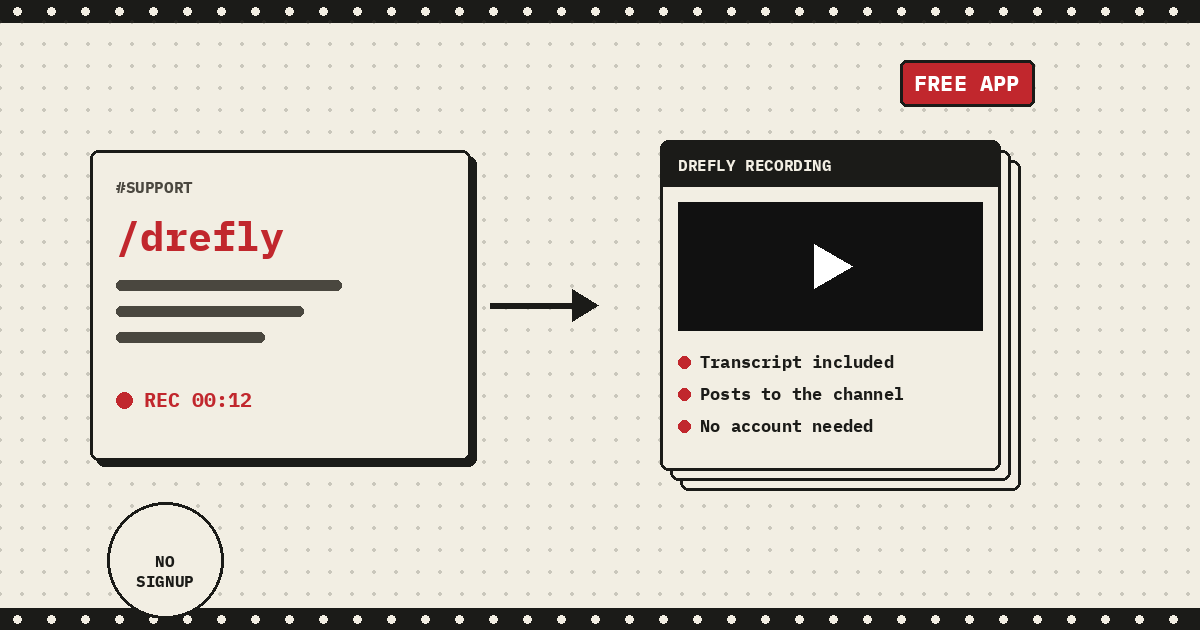
Integrations A /drefly slash command in Slack next to an unfurled recording preview showing a transcript included, posts to the channel, and no account needed

Drefly for Slack: Record, Share, and Get AI Transcripts Without Leaving Slack

A free Slack app that adds a /drefly slash command and five shortcuts, so a recording can start, finish, and land back in a channel, transcript and summary included, without leaving Slack.
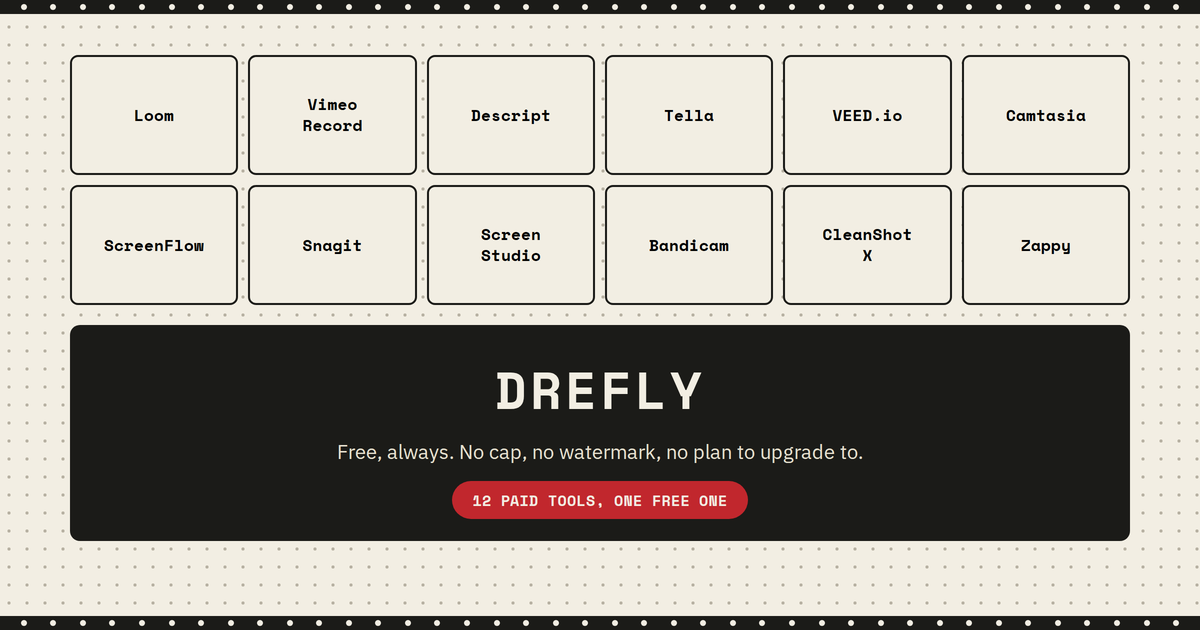
Comparison Twelve paid screen recording tools including Loom, Vimeo Record, Descript, Tella, VEED.io, Camtasia, ScreenFlow, Snagit, Screen Studio, Bandicam, CleanShot X, and Zappy mapped above a Drefly banner reading free always, no cap, no watermark

Best Paid Screen Recording Software in 2026: Every Tool Compared

A pricing and feature comparison of every major paid screen recorder, from team communication tools like Loom and Vimeo Record to one time license editors like Camtasia and ScreenFlow, plus where Drefly's free tool fits in.

Comparison Drefly and Loom logos on either side of a VS badge, representing a screen recording feature comparison

Drefly vs Loom in 2026: Screen Recording Feature Comparison

A feature by feature look at signup, watermark, pricing, PIN protected sharing, comments, reactions, Slack integration, real time drive sync, and storage ownership, so you can see exactly where each tool is the better fit.

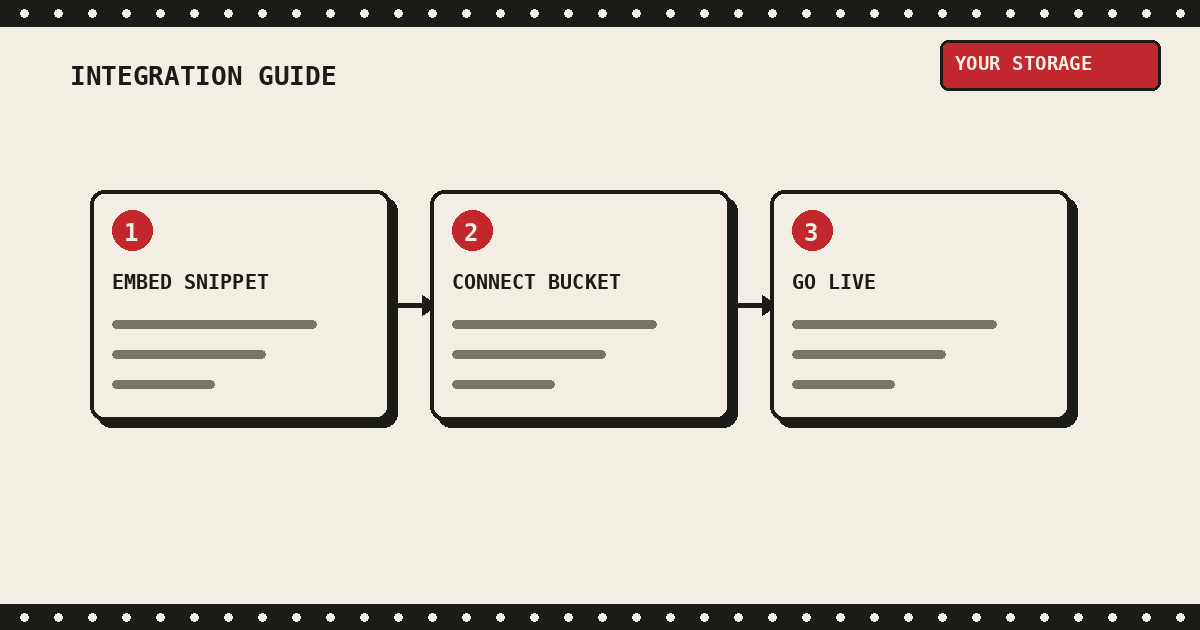
Developer guide Three steps: embed the snippet, connect your storage bucket, then go live

How to Integrate Drefly Into Your Company

A complete walkthrough for embedding Drefly's Record widget on your site: the embed snippet, every config option, connecting your own S3 compatible bucket, CORS setup, and how to rotate or delete keys later.

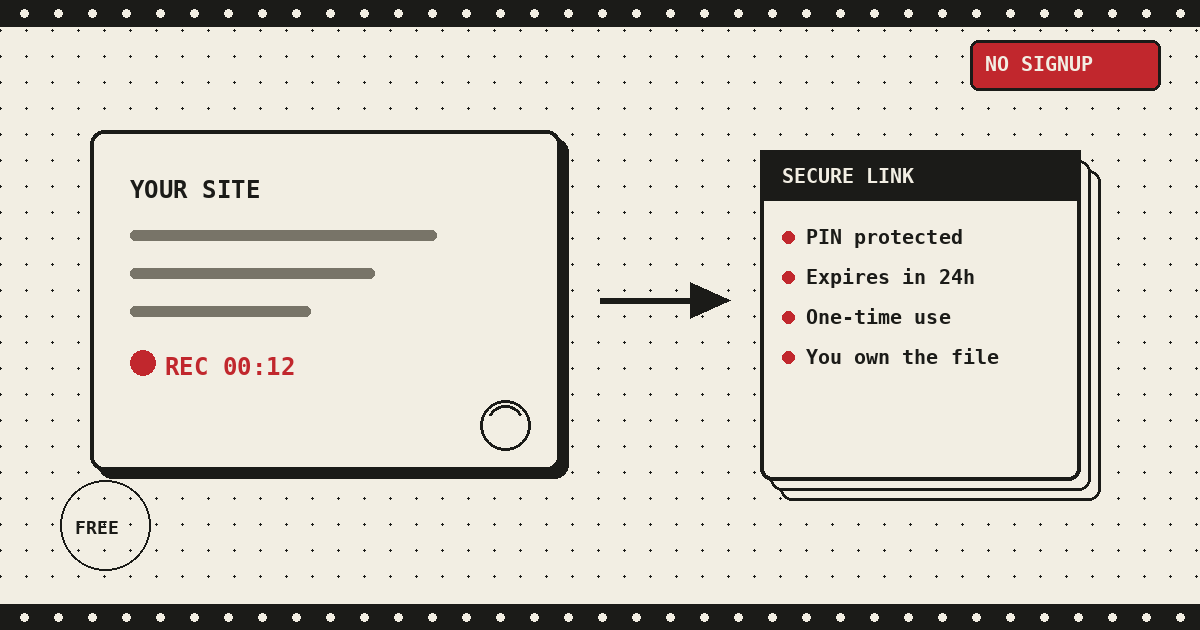
For companies A customer's browser tab recording a bug and sending it as a secure, PIN protected link straight to a company's own storage

Why Use Drefly's Record Tool for Your Company

Embed Drefly's Record tool on your site and let customers send you a screen recording in seconds. PIN protected links, 24 hour expiry, single use sessions, and recordings that go straight to your own storage. Free, unlimited, no signup.

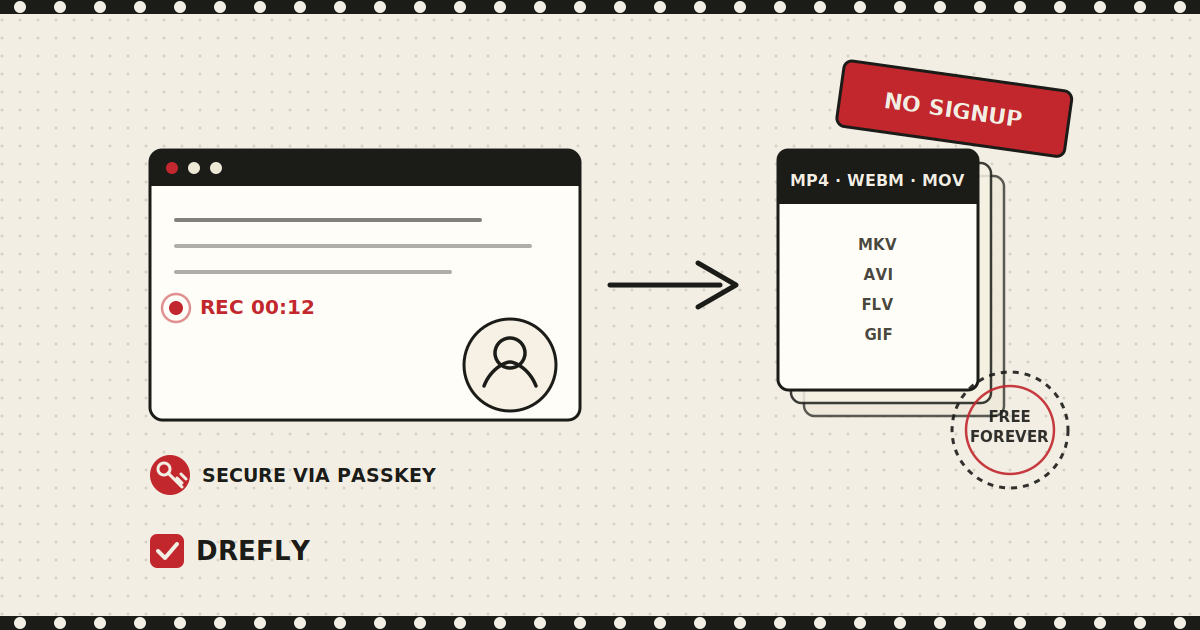
Feature spotlight A screen recording in progress inside a browser window, next to a passkey key icon and a no signup ribbon badge, representing Drefly's free Record tool

Record Your Screen Free, Forever: No Signup, No Watermark

Record your screen or camera free with Drefly. No signup, secure passkey login, save locally or to your own cloud drive, edit in the built in editor, and export to MP4, WEBM, MOV, MKV, AVI, FLV, and GIF.

Behind the scenes Illustration of a PDF file converting into image and video files, representing Drefly's free file tools

Why I Built Drefly (and Why It's Still a Weekend Project)

The story behind Drefly - a weekend project that turned into a free toolkit for video, PDFs, images, and more. No signup, no payment walls, no file size limits, and no stored data.

Honest comparisons We name the tools we lose to, and say where they are the better fit
Real build notes What shipped, what broke, and what we changed our minds about
Nothing gated Every post is free to read with no email required

Enough reading.
Go hit record.

Free, unlimited, no sign-up, no watermark. Your first recording takes one click.